
One-way audio on connected calls
Agents can hear callers but callers can't hear agents, or vice versa.
Symptoms
- •Caller says 'hello hello' but agent gets no response when speaking
- •Agent hears caller fine but caller reports total silence
- •One-way condition persists across multiple calls and agents
Common causes
- •NAT traversal misconfigured, RTP packets not reaching one direction
- •Firewall blocking UDP port range (typically 10000-20000)
- •Codec mismatch between SIP trunk and agent phone
- •STUN / ICE not configured for WebRTC agents
- •Asymmetric routing: inbound and outbound go different paths
How to fix it
- 1Verify RTP port range open in firewall both directions (UDP 10000-20000 default)
- 2In `rtp.conf` ensure `rtpstart` and `rtpend` match firewall rules
- 3Check `sip.conf` has `externip` and `localnet` set correctly for NAT
- 4For WebRTC: confirm STUN server reachable from agent's network
- 5Run `sip show channels` during a call to see negotiated codec
VICIPanel diagnostic for: One-way audio on connected calls
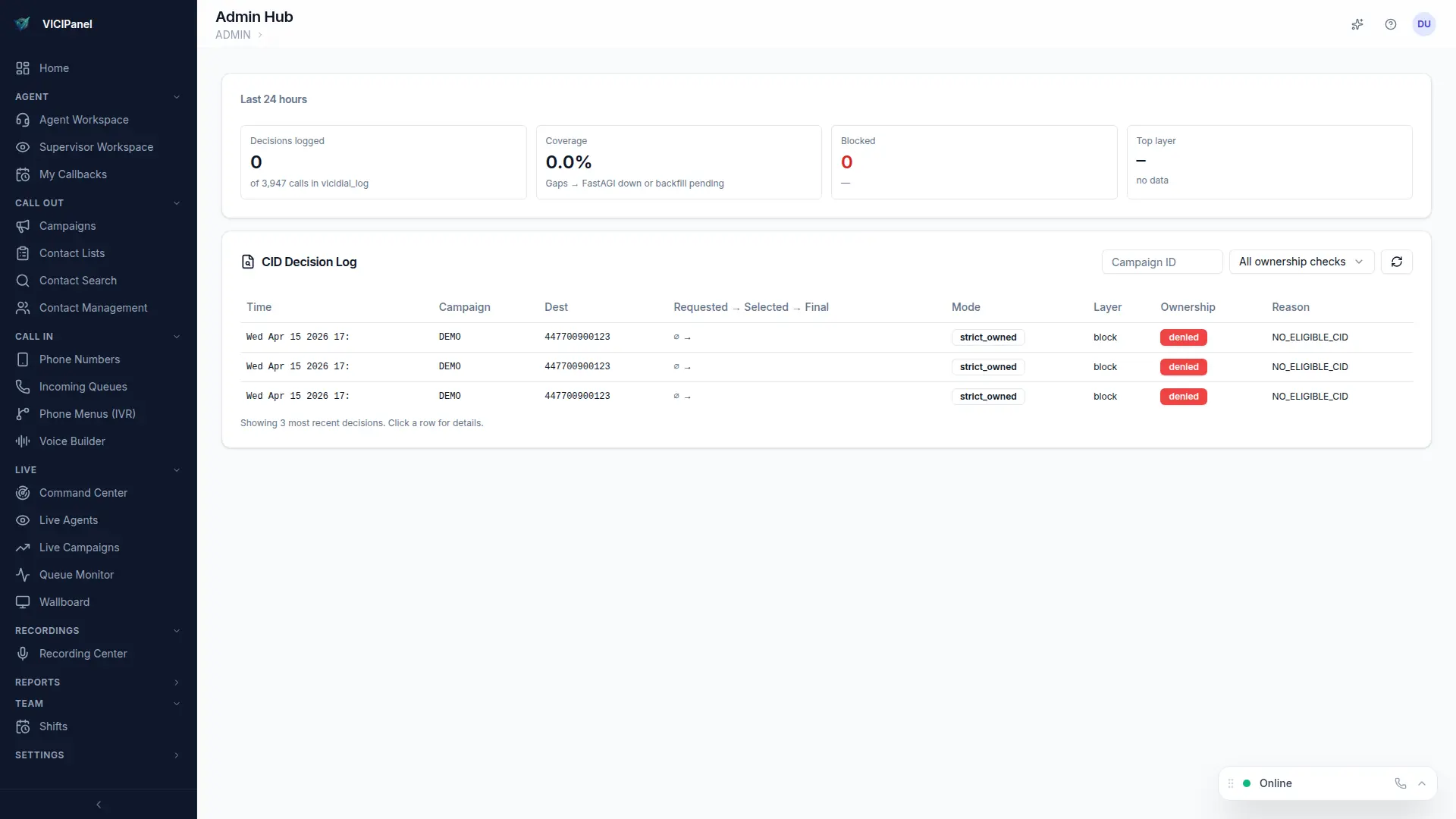
How VICIPanel helps
VICIPanel's call audit view shows the negotiated codec, RTP path health, and STUN-related stats per call leg so one-way audio is diagnosable in seconds, not hours.
Stop troubleshooting. Start operating.
VICIPanel's health dashboard catches most of these issues before they impact your agents, with plain-English diagnostics and one-click remediation.