
Dialing
Preview Dialing
Outbound dialing where the agent sees the lead on screen for a preview period before the dial is placed.
What it means in practice
Preview mode is the highest-touch outbound style. Agent sees the lead (name, history, notes, script context) for a configurable preview window (usually 15–60 seconds), then the dial fires. Right for B2B enterprise, donor calls, and any case where the first 10 seconds need prep work.
VICIPanel UI showing Preview Dialing
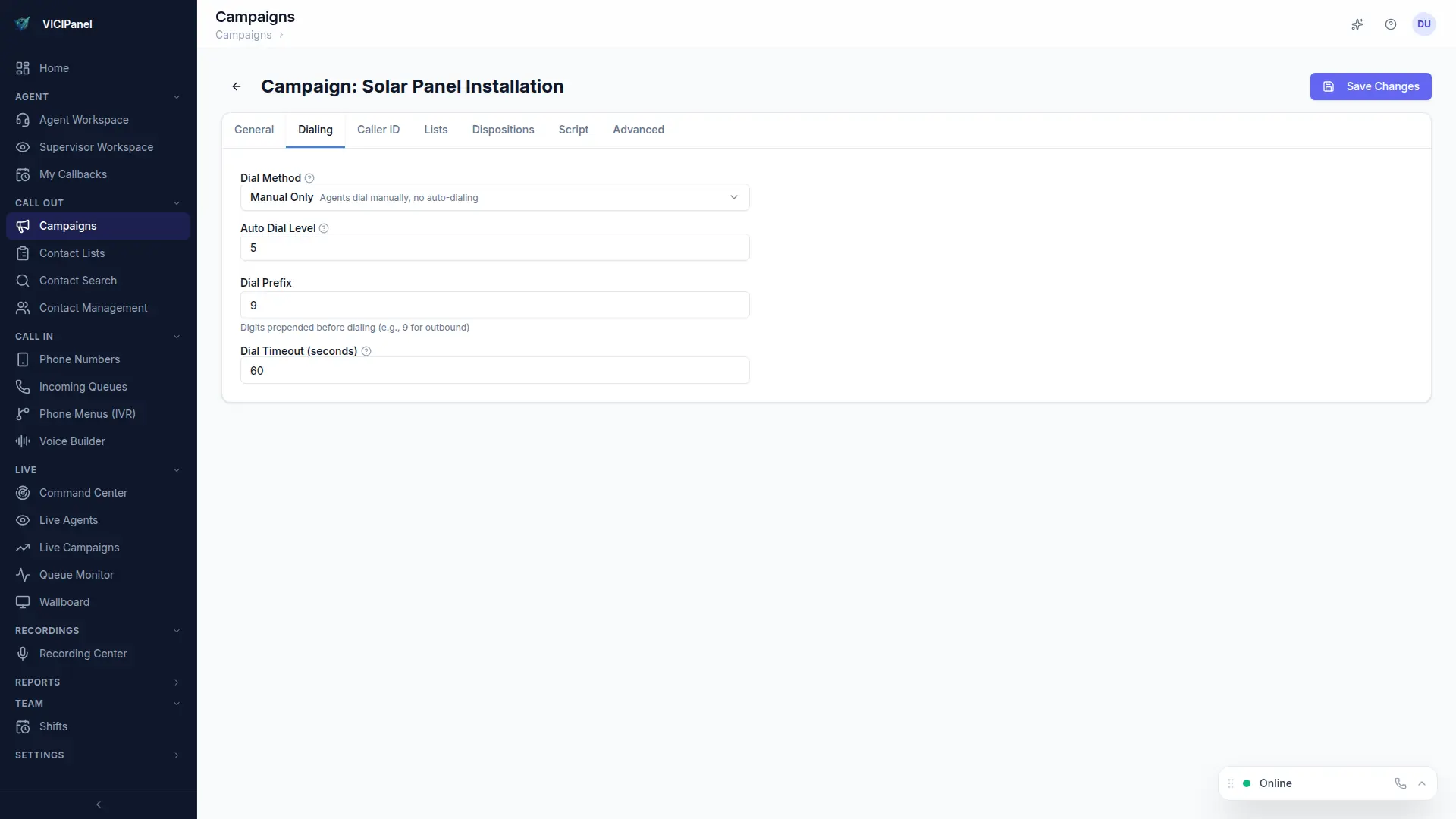
In VICIPanel
VICIPanel's preview interface shows lead, CRM history, prior call transcripts (if AI recording is on), and script context side-by-side during the preview window.
Related terms
You might also need these
See VICIdial the way it should look
Every term above is a screen or setting in VICIPanel. Try the live demo, no signup.